How to RE-SET emergency stop alarm on a Deep Sea Controller
To reset the emergency stop alarm on a Deep Sea Controller or generator, ensure the cause of the alarm has been resolved. Release the emergency stops, which can be done by pulling, twisting, or using a key, typically located inside and outside the generator's canopy. Next, silence the alarm by pressing the mute/silence button followed by the 'Stop' button. If servicing is needed, contact the service line provided.
How to RE-SET emergency stop alarm on a Deep Sea Controller or Generator
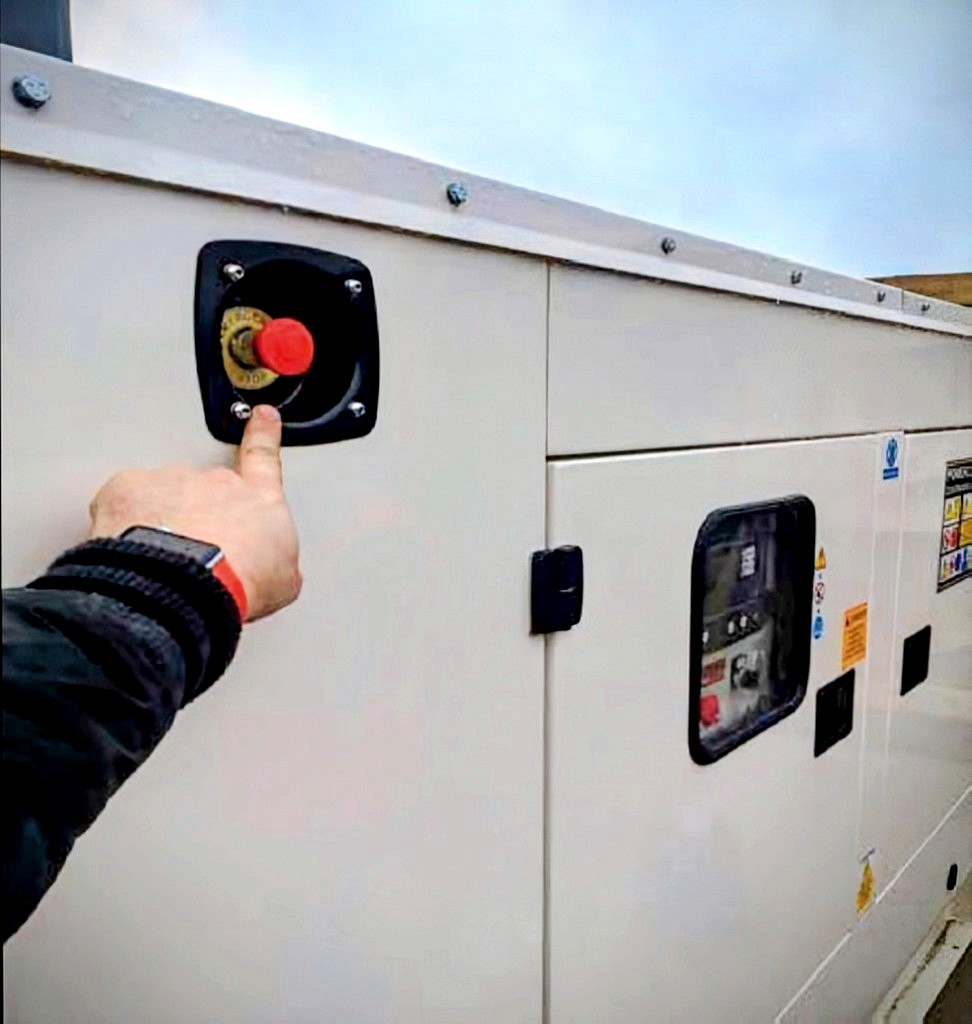
Before resetting any alarm, it is important to ensure that the reason or event that lead to the Emergency Stop being activated is no longer present or has been resolved. Once this has been confirmed then the resetting is as follows….. Firstly ensure that the Emergency stops are released. Dependant on the particular Stop button used this may be done by pulling to release, twisting to release (this style will have arrows engraved on them) or key release. There are typically two stop buttons on every generator; one inside and one outside.
One Emergency STOP on the outside of the canopy.
One Emergency STOP inside the canopy, next to or alongside the control panel.
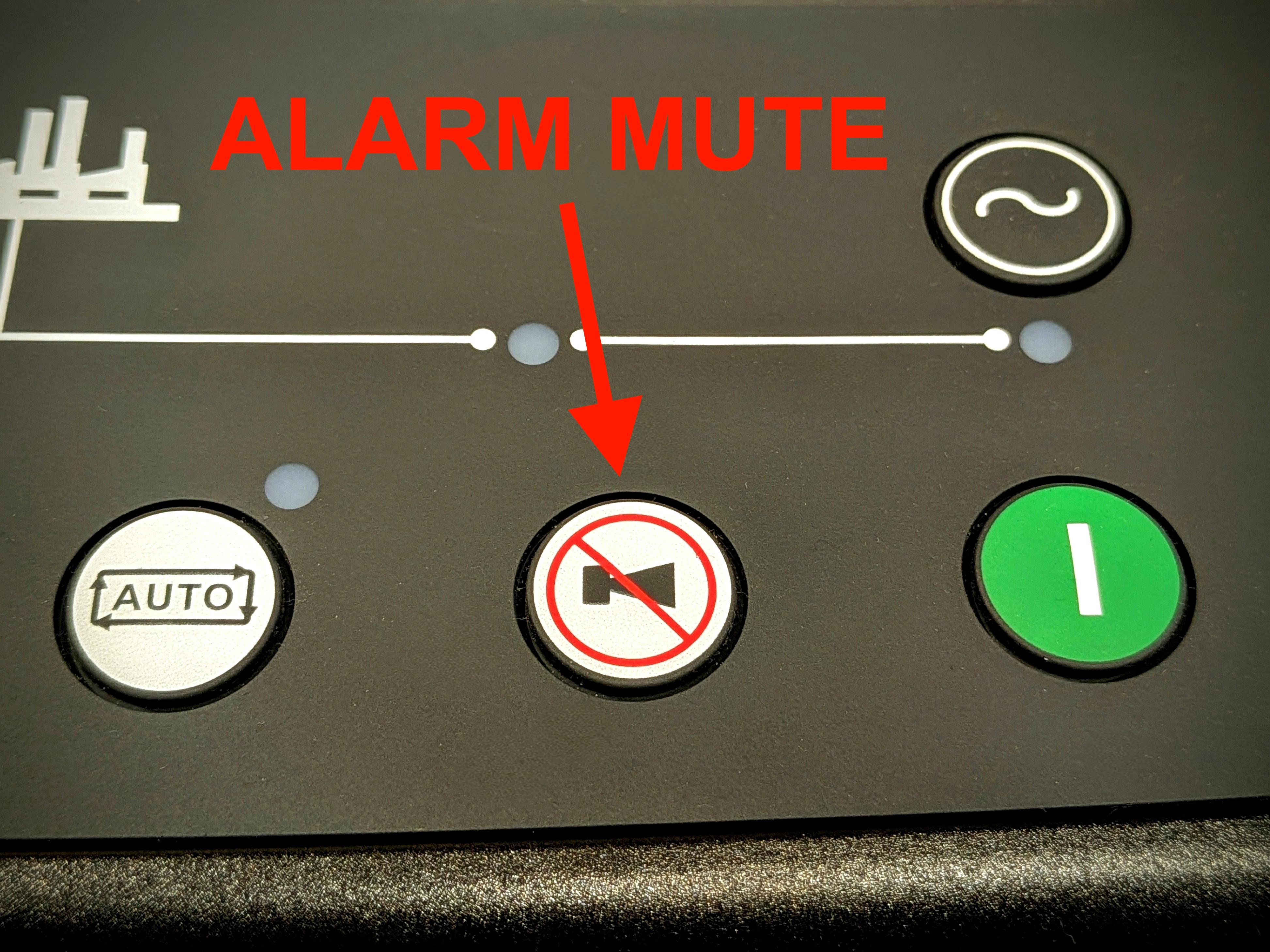
Once this has been done, then the alarm needs to be silenced. This is done by first pressing the mute/silence button pictured here. Follow this by pressing the ‘Stop’ Button pictured here also.