Common Causes of UPS Overheating
The article discusses the common causes of UPS overheating, highlighting the following key points: 1. Air Conditioning Failure: Ineffective or non-working AC leads to overheating. 2. Dust Build up: Accumulated dust inside UPS components can cause overheating. 3. Fan Issues: Failed fans require immediate replacement to prevent overheating. 4. UPS Load: Imbalanced or excessive loading, particularly exceeding 100%, can overheat the UPS. 5. Ventilation: Inadequate ventilation poses a fire risk and causes overheating. 6. Service Neglect: Lack of regular servicing leads to overheating. 7. Battery Problems: Aged batteries strain the charger causing heat build up. 8. Electrical Frequency Issues: Increases in input frequency can lead to overheating. 9. Capacitor Age: Aging AC and DC capacitors need timely replacement to avoid overheating. Regular maintenance and proper load management are essential to prevent UPS failures.
UPS overheating happens frequently, Power Continuity explain the most common causes.
1. Air Conditioning
Air Conditioning in the UPS environment has stopped working. This will quickly cause the UPS to overheat, go into bypass and then stop.
2. Air Conditioning is working but inefficiently
Air Conditioning is working but inefficiently so it’s not producing sufficient volume of chilled air = less cooling effect – hence the room and the UPS overheat. This is typically noticeable during HOT summer days. Check that you have enough A/C units and that they are all serviced regularly provide the correct amount of cooling for the designated UPS system.
3. Air Conditioning –Common Mistake
You have replaced the UPS with a NEW larger UPS and expected the existing A/C systems to provide enough cooling. Common mistake. Your UPS supplier will confirm how much A/C cooling your NEW UPS requires. DON”T guess. ASK… before your NEW UPS Overheats.
4. Dust build up inside the UPS.
The unseen villain, that threatens all UPS, quietly building up inside the UPS and out of sight. Dust build up has the effect of causing components to overheat and which will subsequently cause the UPS overheat then to fail.
5. Fans
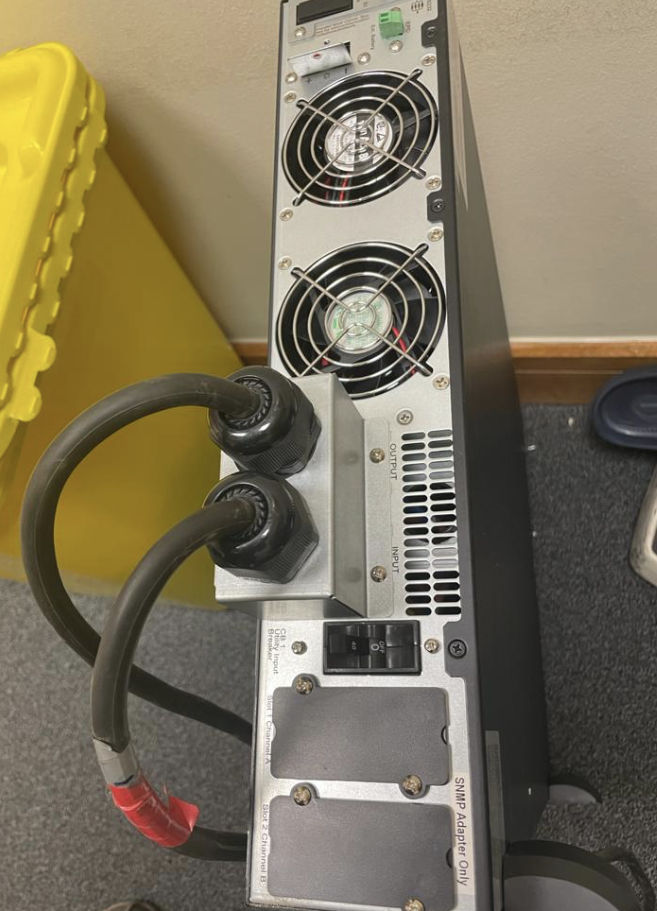
Fans have failed- Not all but some of the fans have failed , and it’s not been noticed. This has caused the UPS to gradually overheat. Priority is now to replace ALL the fans, as once one fan fails it’s only matter of time until the domino effect happens, then they’ll fail within short period of time. Replace don’t hesitate.
6. UPS Load
The UPS is overloaded. It can be that random loading of the servers racks down stream, has led to all the out put load being placed on only ONE phase of the UPS. That will cause over heating of the UPS. Balance across all 3 phases.
7. UPS Overloaded
Your UPS is working continually at 100% load and even being pushed to 110% frequently. NO UPS will operate in this manner without over heating. Re-balance your load or remove load from the UPS to bring the load down to a continuous load of 75% across the 3 phases.
8. Ventilation
UPS Placed in an area without any ventilation or cooling. Never allow a UPS to operate in such conditions as this will both cause the UPS to overheat and is a major fire risk.
9. Storage
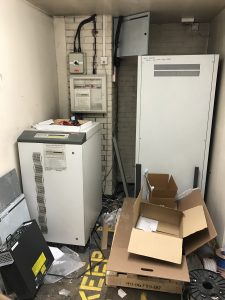
UPS is being used as a storage shelf. NEVER place objects on top of any UPS or battery cabinet.
10. Service
The UPS has never been serviced or only randomly serviced. NO maintenance contract in place –Living on hope not serviced! Therefore parts are over working and stressing the UPS causing a heat build up inside. Don’t Dream. Get your UPS serviced ASAP.
11. Batteries
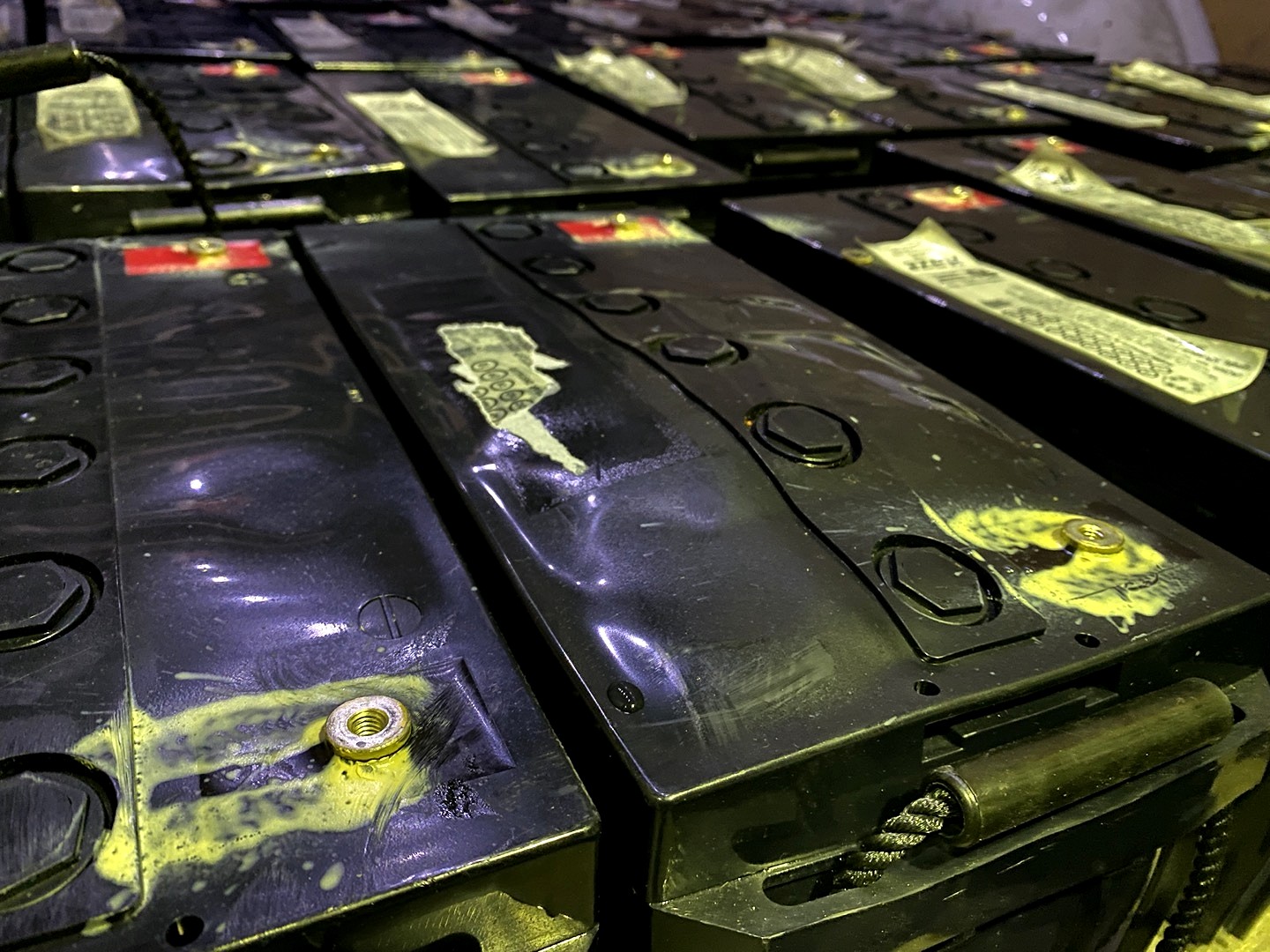
Old batteries had have begun to fail and putting strain on the UPS battery charger.
12. Frequency
UPS has frequency issues – The electrical input has increased beyond the parameters that the UPS was setup to accept on installation causing the UPS to work harder and overheat.
13. Battery Charger
UPS battery charger is working inefficiently as it is nearer end of life. As this is within the UPS, an old battery charger will cause the temperature inside a UPS to rise and then overheat.
14. AC Caps
AC capacitors as close to failure – Check the date for replacement.
15. DC Caps
DC capacitors are close to failure – Check the date for replacement Better to service your UPS regularly – Get a service Contract!